Plan step
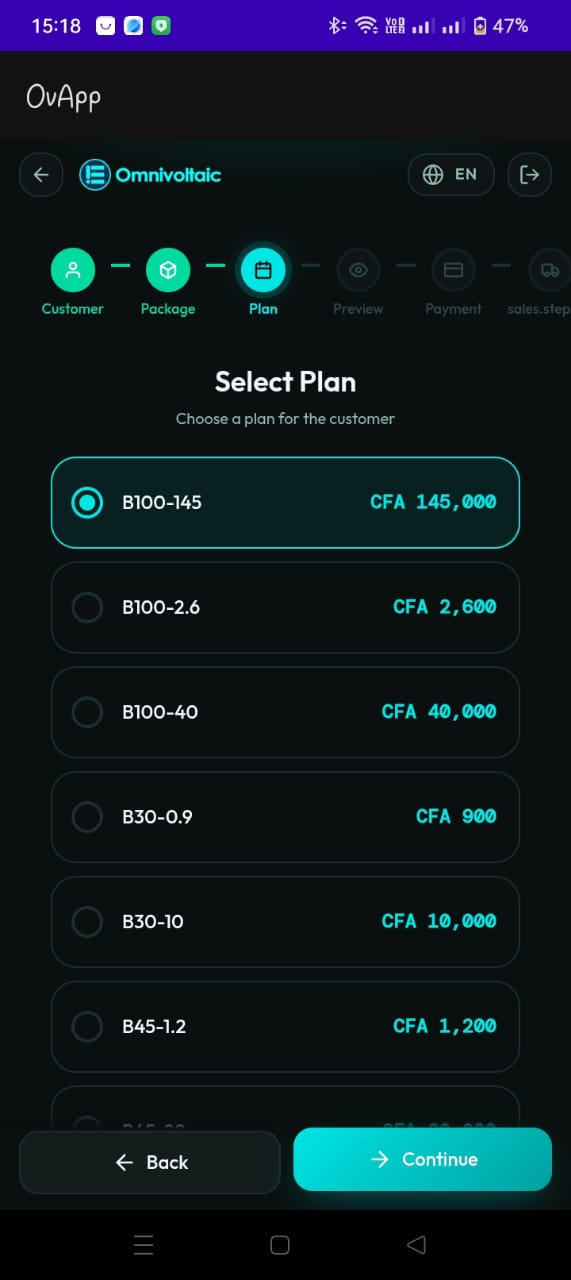
Purpose
Choose the customer’s payment plan for the selected package.
UI behavior
Plans are displayed as a list with radio selection: - Plan code/name (e.g., B100-145) - Plan price (in CFA in the screenshot) - Only one plan can be selected at a time
Actions
- Continue proceeds to Preview
- Back returns to Package
Suggested validations
- A plan must be selected before enabling Continue.
- Ensure the plan list is filtered to only plans compatible with the selected package.